
Business email security · Saudi Arabia
A convincing email should not be enough to change a payment, approve a sign-in or release company data. Phishing prevention combines independent verification, safer account access, email controls and a response plan people can actually use.
This practical checklist helps business owners, finance teams and IT leads decide what to check first, who owns each action and what evidence shows it is working.
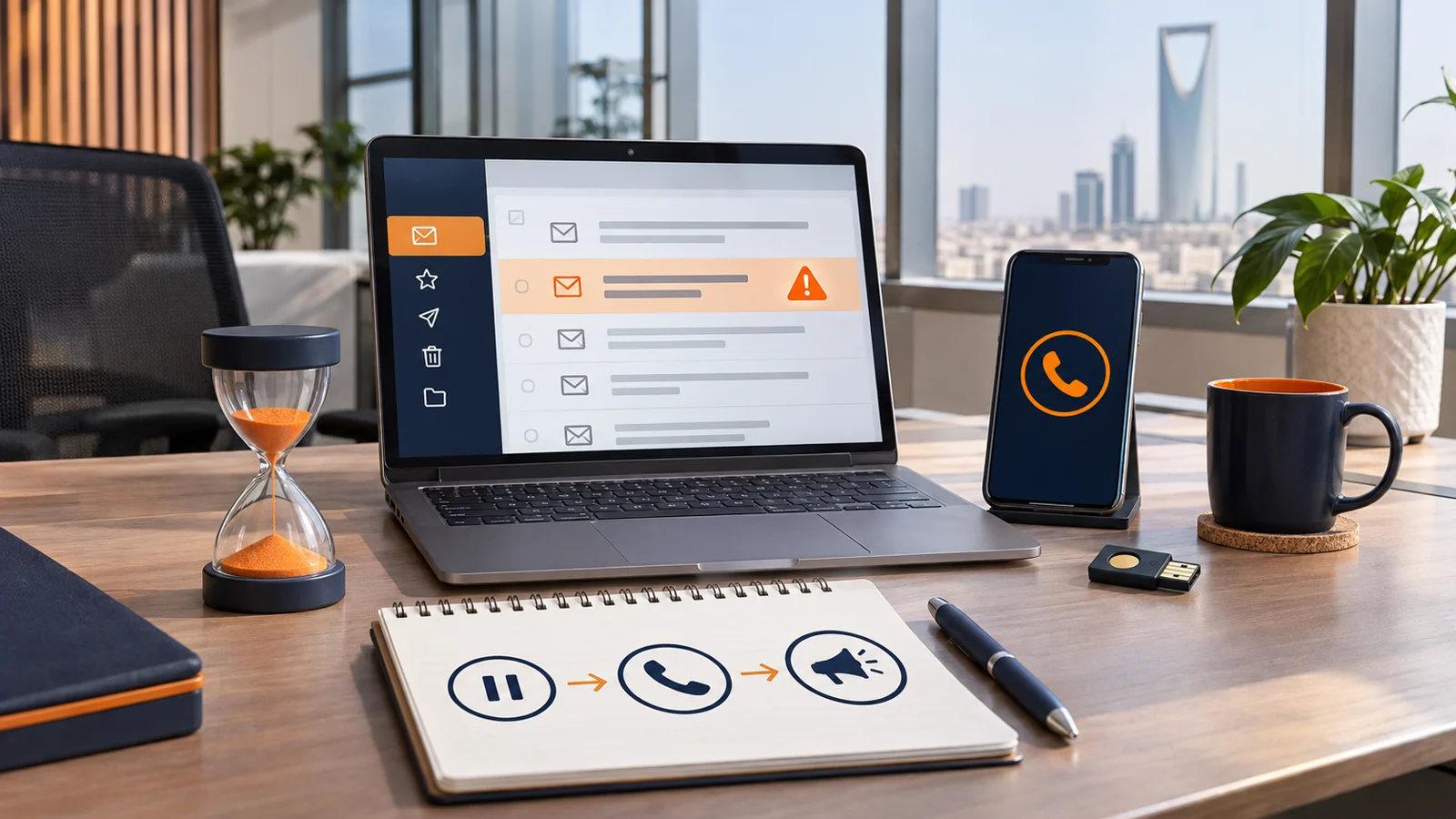
Use the phishing checklist Know what to do after a clickCover: AI-generated editorial image showing independent verification and safer account access; no customer incident is depicted.
Evidence behind the checklist
Phishing facts worth acting on
US$3.05 billion in reported BEC losses
The FBI’s 2025 IC3 report records 24,768 business email compromise complaints and US$3,046,598,558 in reported losses. These are cases reported to IC3, not a Saudi loss estimate or a count of every incident worldwide. The practical lesson: verify payment changes independently.
145 million+ QR-code phishing detections
Microsoft’s 2026 Digital Defense Report states that Defender for Office 365 detected more than 145 million QR-code phishing attacks between July 2025 and June 2026. This is a vendor detection figure, not a count of unique victims or Saudi incidents. Treat unexpected QR codes in email as a request to verify, not a safer alternative to a link.
A Saudi control reference, not a compliance shortcut
NCA ECC 2-4-3 identifies five minimum email-protection areas: message filtering, MFA, archiving and backup, protection against advanced persistent threats, and domain validation using SPF, DKIM and DMARC. Applicability must be confirmed for the organisation; installing one product does not establish compliance.
NCA Essential Cybersecurity Controls 2:2024, email protection
01 · Recognise the decision
How to spot phishing emails without relying on spelling mistakes
Phishing uses a message to persuade someone to take an unsafe action. The request may arrive by email, SMS, a messaging app or a QR code. Business email compromise (BEC) can be especially convincing because it may use a real compromised mailbox and a familiar conversation. A professional tone, genuine company logo or existing email thread does not prove that the request is safe.
Check what the message wants
Pause when a message asks for money, a bank-detail change, a password, an MFA code, an unexpected sign-in approval or sensitive files. Urgency, secrecy and pressure to bypass the normal approval process are reasons to verify independently.
Check the route, not just the name
Expand the sender details. Check the full address and any unexpected reply-to address. On a computer, preview a link without opening it; on mobile, do not tap a suspicious link just to inspect it. Open the service through a saved bookmark or its known app instead.
The safer rule
Use a contact number or channel you already trust. Do not use the phone number, link or QR code supplied in the message you are trying to verify. If you cannot confirm the request, stop the action and report it through your internal reporting route.
02 · Example scenario
A supplier sends new bank details. What should happen next?
Example, not a customer case study: a finance employee receives a message in a familiar supplier thread asking for this month’s invoice to be paid into a different account. The signature is correct and the sender says the change is urgent.
- Hold the change. Keep the existing supplier record unchanged while the request is checked.
- Call the established contact. Use the number already held in the approved supplier record, not one in the new email.
- Apply the normal approval process. Record who verified the request and use a second authorised approver where your payment policy requires one.
- Escalate inconsistencies. If the supplier did not request the change, notify IT and finance leadership. Preserve the message using the organisation’s approved reporting method.
This is a process control: it still matters when email filters and authentication checks pass. The UK National Cyber Security Centre’s phishing guidance also treats organisational processes and reporting as part of a layered defence.
03 · Layer the protection
What your IT team should check behind the inbox
1. Email authentication
SPF, DKIM and DMARC help receiving systems evaluate mail claiming to come from your domain. DMARC needs an aligned SPF or DKIM pass. Inventory legitimate senders, including website forms, CRM and invoice platforms, before moving towards enforcement. Review reports and test delivery so a rushed policy change does not block legitimate mail.
2. Phishing-resistant authentication
Use MFA and plan a move to supported FIDO/WebAuthn security keys or passkeys, especially for administrators and high-risk roles. SMS and one-time codes can still be phished. Test recovery, new-device enrolment and access for staff who cannot use the standard method; a strong login control needs a workable recovery process.
3. Impersonation and link protection
Review anti-phishing policies, protected users and domains, attachment handling and reporting in your actual email platform. In Microsoft 365, some advanced controls depend on the licensed Defender for Office 365 plan. Do not assume that owning Microsoft 365 means every protection is configured or included.
4. Access and data controls
Limit access to the files people need. Review external sharing and privileged accounts. Data loss prevention (DLP) can help detect or restrict sensitive information leaving through supported channels, but its coverage depends on policies, licences and workloads. It complements email protection rather than proving that every message or attachment is safe.
A firewall solution can support network controls, but cloud email and identity protection need their own configuration and ownership. For the wider combination of endpoint, access, monitoring and recovery controls, see our cybersecurity solutions.
What about Saudi cybersecurity requirements?
The NCA Essential Cybersecurity Controls include email protection, MFA and domain-validation controls for entities within their scope. Confirm which requirements apply to your organisation and sector. This checklist is practical planning guidance, not a compliance assessment or certification.
Read the NCA Essential Cybersecurity Controls, email protection section
04 · Respond without delay
What to do if someone clicked a phishing link
Tell your IT or security contact immediately and explain exactly what happened. Clicking, entering a password, approving a sign-in and opening a downloaded file are different events. Do not wait until you can prove that an account was compromised.
Clicked, but entered nothing
Stop interacting with the page. Report the message and tell IT whether anything downloaded, opened or requested permission. Do not revisit the link to investigate it yourself. IT should assess the browser and device exposure and decide what checks are needed.
Entered credentials or approved a sign-in
Use a separate trusted contact route to alert IT. The authorised administrator should contain access, revoke sessions, reset affected credentials and inspect authentication methods, app permissions, mailbox forwarding and rules. A password change alone may leave other access paths in place. Follow the provider’s current recovery procedure and preserve investigation evidence.
Opened a file or suspect the device is infected
Stop using the affected device for sensitive work. Follow your incident-response procedure for isolation and investigation. Use another trusted device or phone to contact the response team. Do not erase files or reinstall the system before the team decides what evidence to preserve.
Sent a payment or sensitive information
Escalate to the finance or data-response owner immediately. If money moved, contact the bank through an established channel to ask about available fraud-response options. The responsible team should assess notification duties and affected parties. Recovery is not guaranteed, so do not delay while waiting for a technical investigation.
For Microsoft 365 administrators, use Microsoft’s compromised-account response guidance as the platform-specific checklist. Do not send passwords, confidential messages or raw incident logs through a public enquiry form.
05 · Turn advice into ownership
A phishing-prevention action plan your team can review
Start with people and payments
- Finance owner: document how supplier bank changes are verified and approved.
- Team leads: give staff one clear reporting route and a backup contact.
- Everyone: practise a suspicious invoice and an unexpected sign-in request without blame.
Then validate the controls
- Email administrator: record sending systems, authentication status and policy coverage.
- Identity administrator: check MFA enrolment, exceptions, recovery and privileged access.
- Security owner: test reporting, containment and handover using an agreed exercise.
Measure whether the process works
Track useful evidence: reporting time, whether the right team received the report, whether payment changes had independent verification, MFA coverage and unresolved exceptions. Review false positives and legitimate-mail failures as well as detected threats. Training clicks alone do not tell you whether the business can respond effectively.
Bring a clear brief to the security discussion
List your email platform, approximate mailbox count, existing MFA, external sending systems, highest-risk workflows and the decisions you need help with. ExpertsITS can discuss the appropriate review scope before changes are agreed.
Discuss email security on WhatsAppQuestions businesses ask
Phishing prevention: common questions
Can a phishing email pass SPF, DKIM and DMARC?
Yes. A lookalike domain can authenticate its own mail, and a compromised genuine account can send an authenticated message. These checks help address domain spoofing; they do not establish that every request is trustworthy.
Does MFA stop every phishing attack?
No. Some attacks trick people into sharing codes, approving prompts or granting access. Supported phishing-resistant methods reduce specific credential-phishing risks, while access policies, recovery controls and independent verification remain important.
How often should staff receive phishing training?
Use onboarding and regular short refreshers, then adjust the programme to role, risk and incident findings. Include realistic finance, HR and supplier workflows. Make reporting easy and test the response process, rather than choosing an arbitrary frequency as proof of security.
Is DLP the same as phishing protection?
No. Phishing protection focuses on deceptive messages and related threats. DLP focuses on the handling and movement of sensitive information within its configured coverage. They address different parts of the risk and can work together.
Sources and review notes
Prepared by Experts IT Solution. Technical references reviewed on 24 November 2026. Product features and licensing can change; verify the current documentation before configuration. Examples describe planning situations, not reported customer incidents.
This guide uses NCA, Microsoft, CISA and NCSC documentation linked beside the relevant advice. It does not claim to replace your incident-response team or organisation-specific requirements.
ExpertsITS offices: Al Qazwini, Al Olaya District, Riyadh 12221; Al-Ruwais, Jeddah 23213, Saudi Arabia. +966 59 099 0526 · info@expertsits.com