UI/UX Design Services
for Saudi Businesses

UI/UX design services for Saudi businesses building a mobile app, website or business platform. We turn user needs into clear navigation, useful screens and testable prototypes, with English and Arabic journeys considered from the start. Bring us a new product idea or an existing experience that needs improvement; we’ll agree the research, design and handoff scope before work begins.

Designed around your product

Specialized Design Solutions

Different products ask different things of their users. Choose the design scope that fits your product, then connect research, interface design and developer handoff around the journeys that matter.

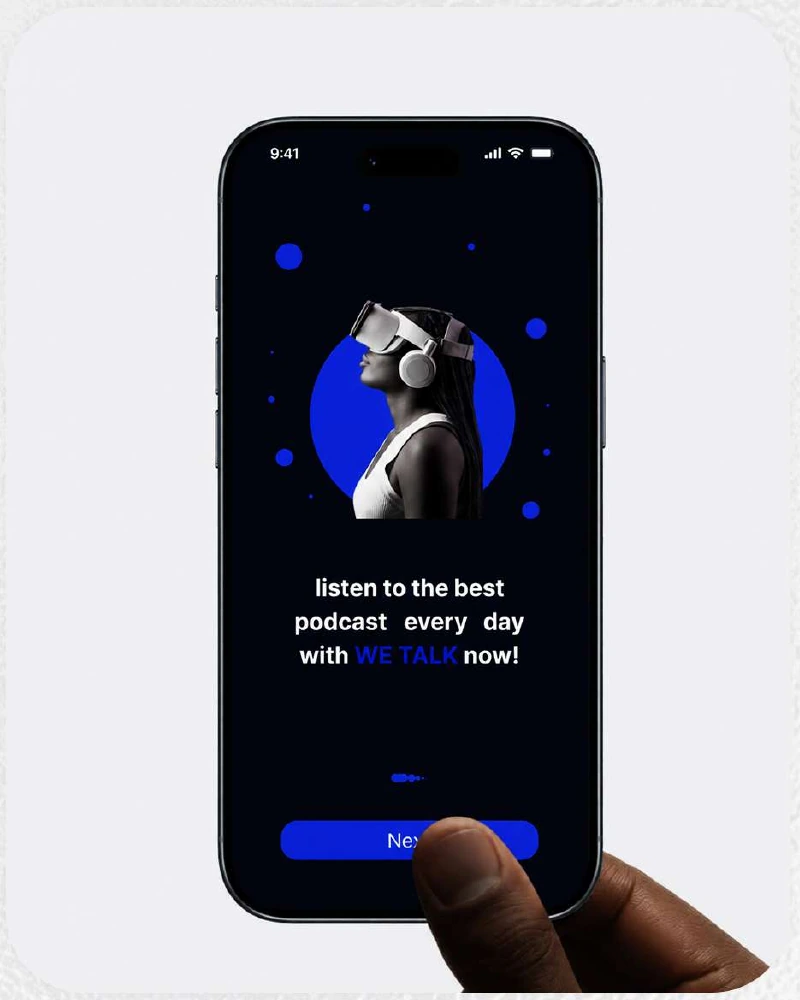
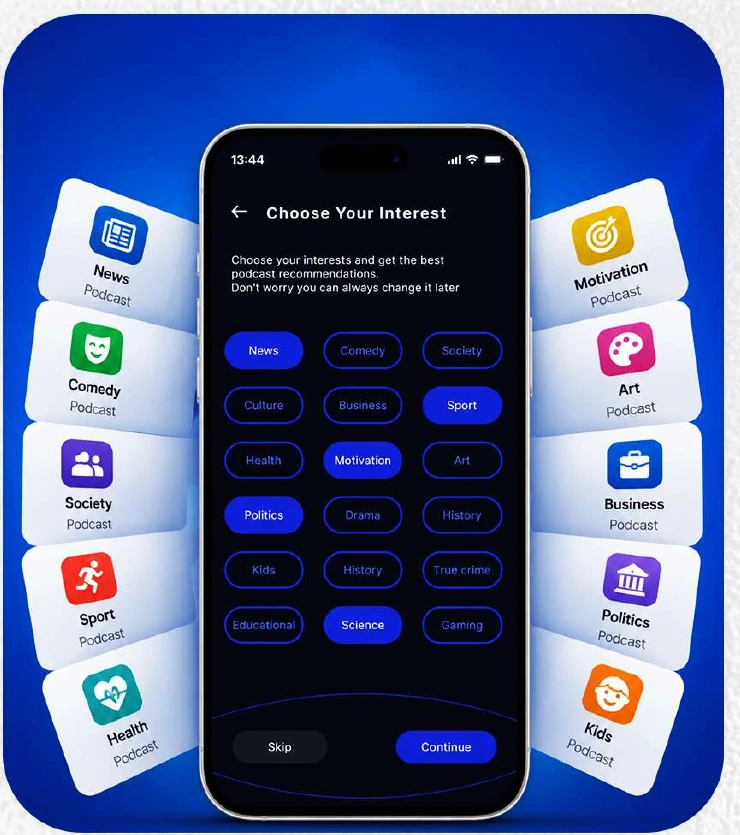
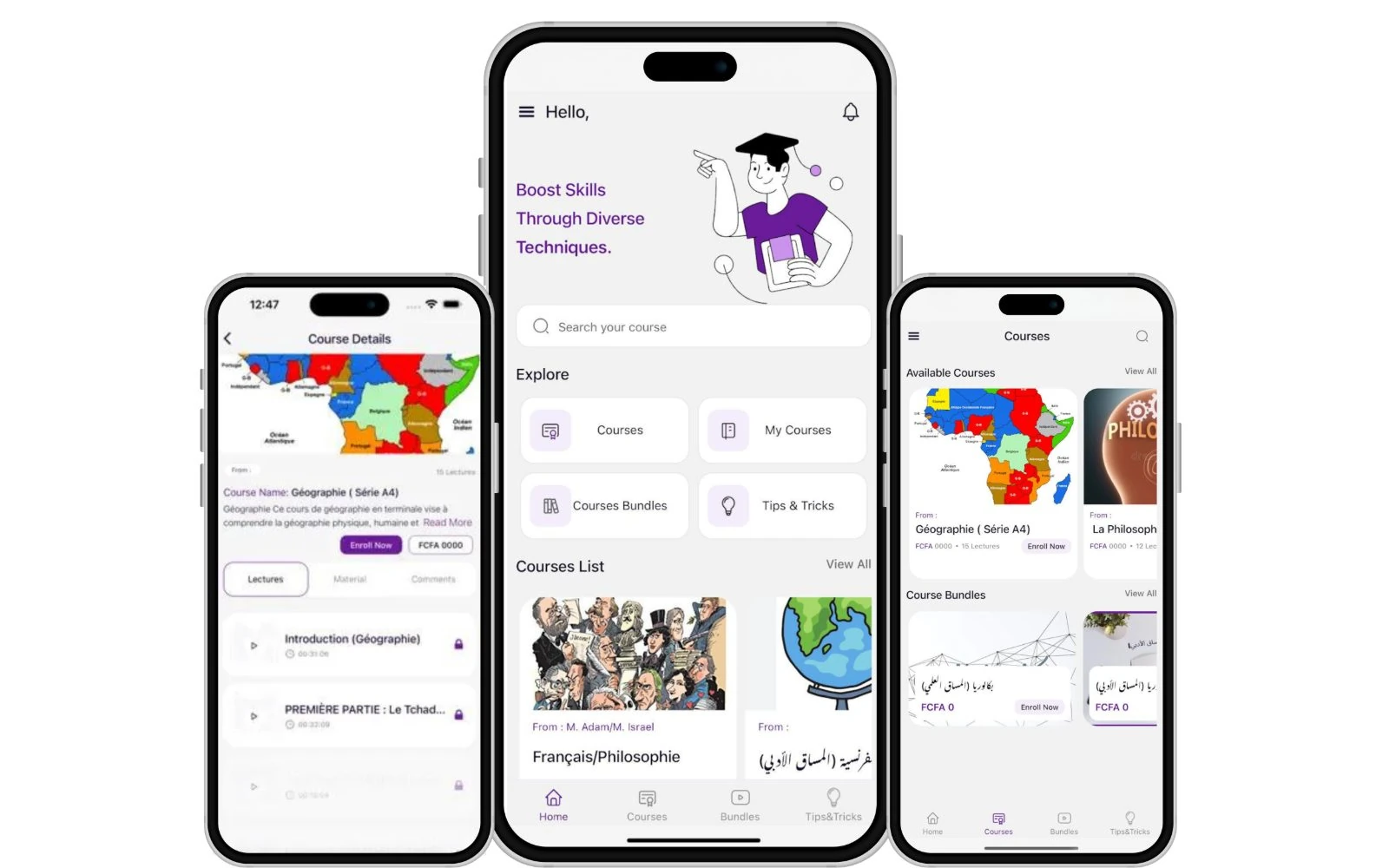
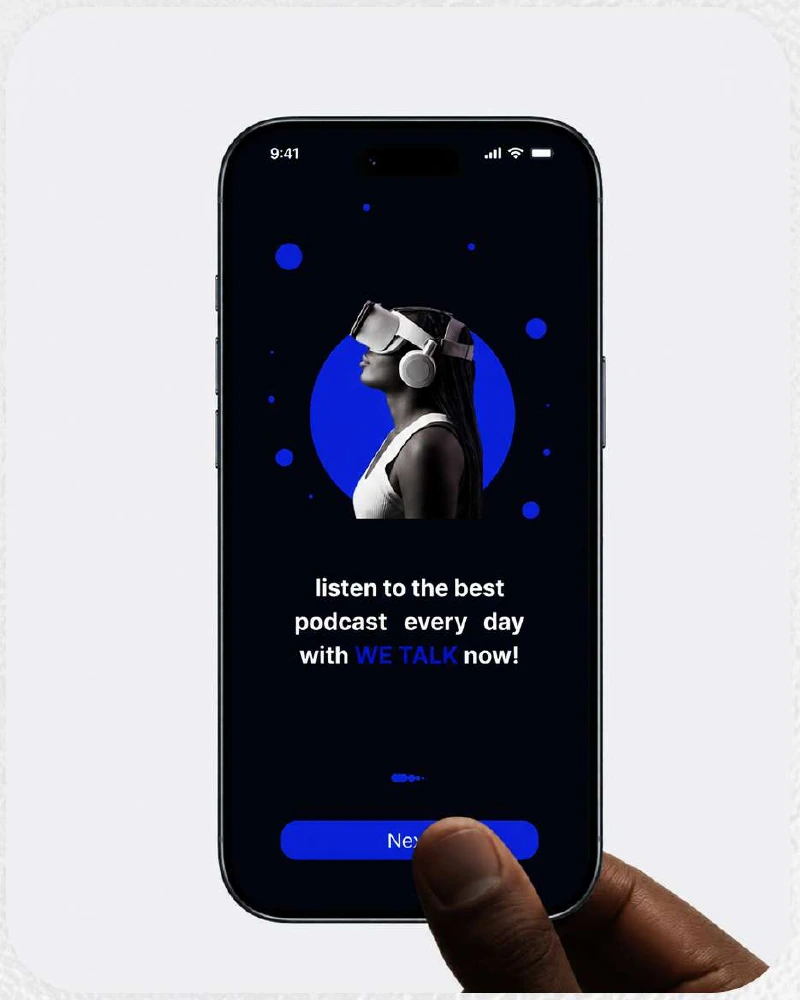
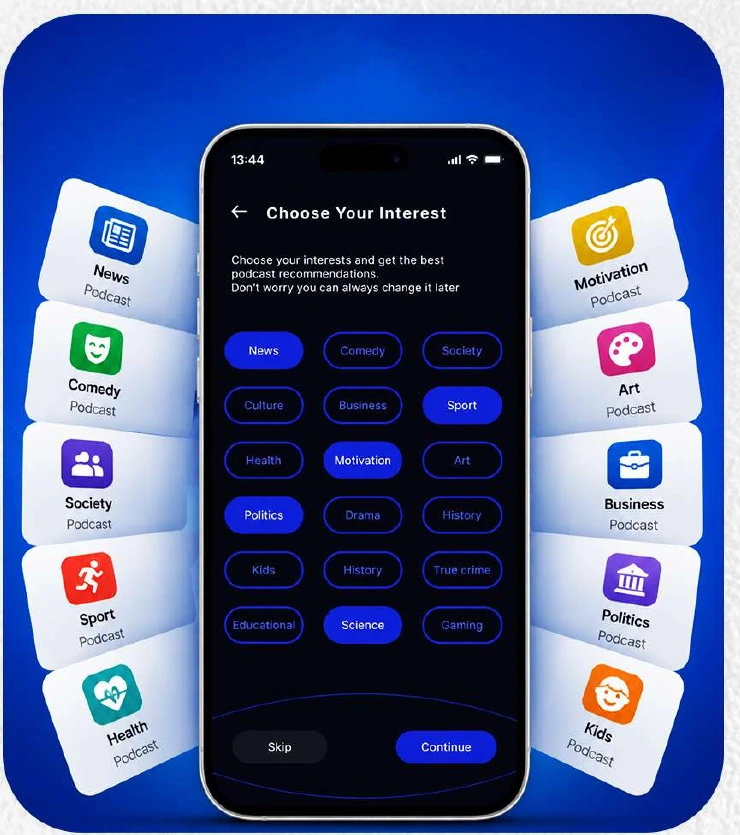
WeTalk podcast app onboarding design conceptWeTalk interest selection design concept
WeTalk · Mobile interface concept: introduction and topic discovery.

01 / Mobile App Design

Mobile App Design

Mobile app UX design services for iOS and Android: onboarding, discovery, account access and task completion. We consider platform conventions, permissions, empty states and recovery from errors. For more complex apps, the scope can include multiple user roles and connected journeys. Explore our iOS and Android app development service when implementation is also required.
  • Native iOS/Android Guidelines
  • Touch-Optimized Interface
  • Gesture Navigation
  • Mobile-First Approach
  • App Store Assets
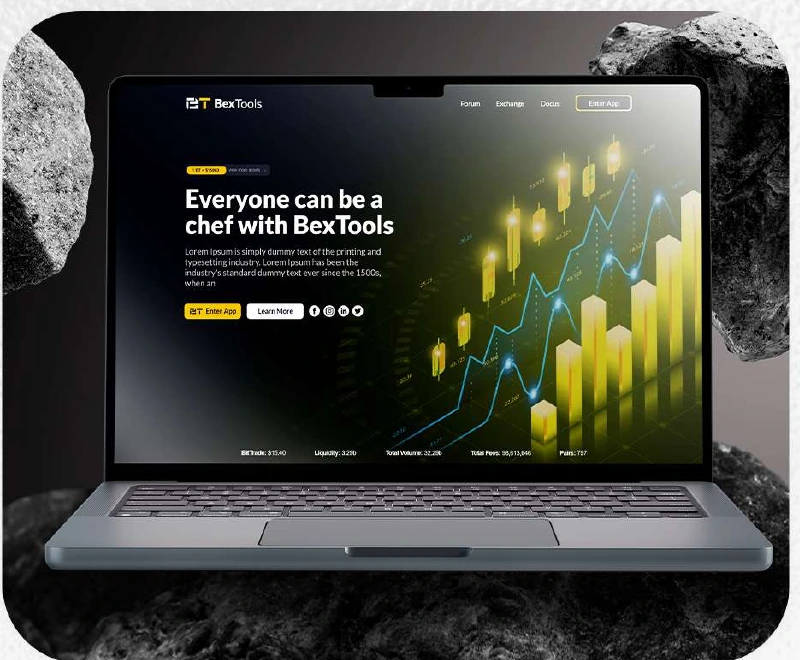
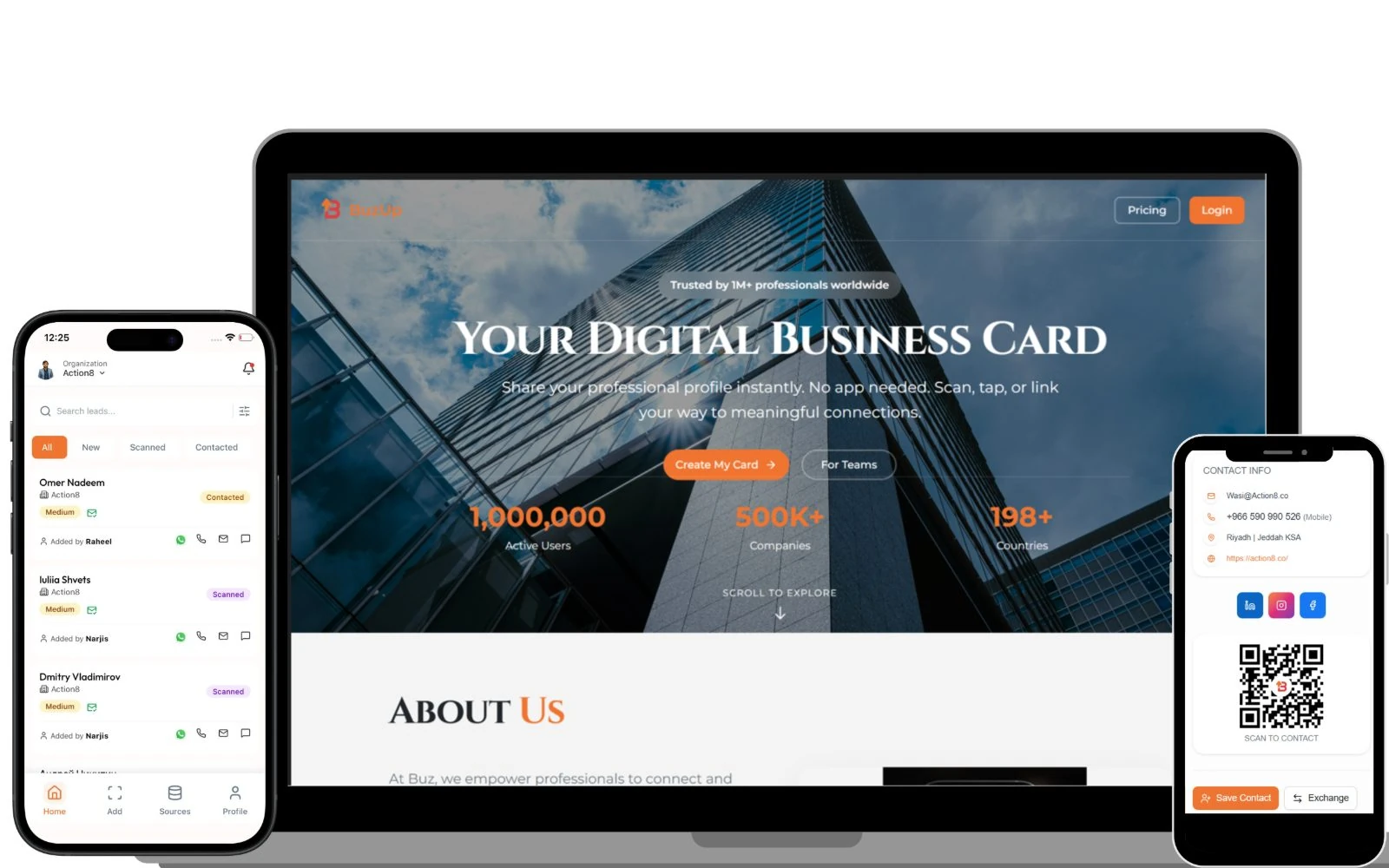
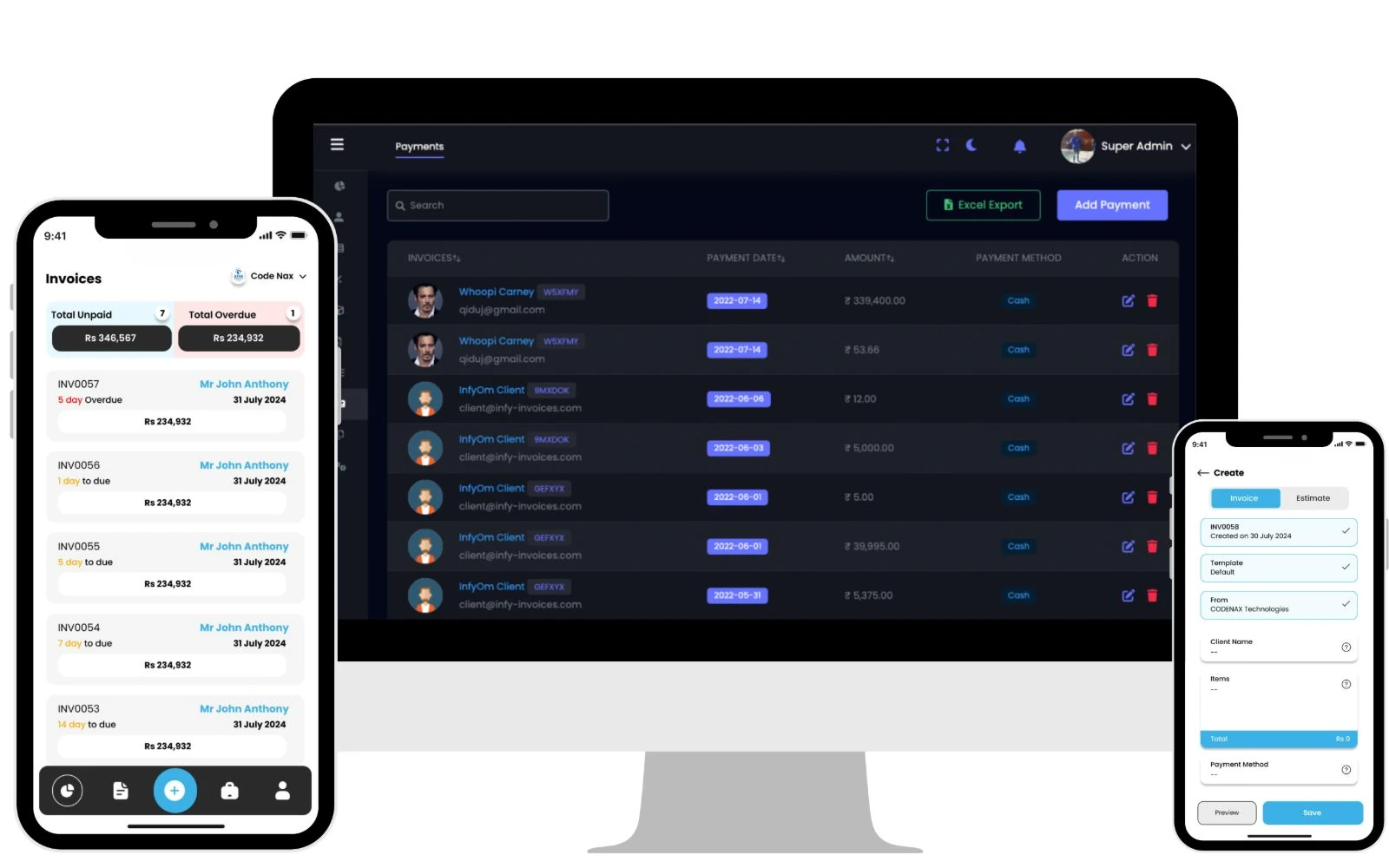
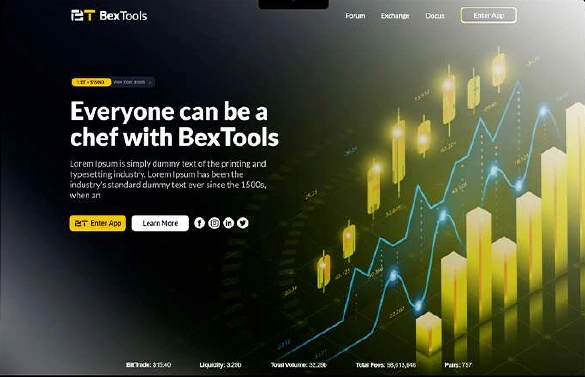
BexTools website interface design concept on a laptop
BexTools · Web interface concept and visual direction.

02 / Web Application Design

Web Application Design

Web app UI/UX design for SaaS products, portals and business software. Organise dashboards, forms, permissions and multi-step tasks so people can understand what to do next. UX software design starts with the workflow, then shapes the interface around it. Related web portal solutions can connect an approved design with a separately agreed build.
  • Dashboard Design
  • Complex Data Visualization
  • Multi-User Interfaces
  • Admin Panels
  • Progressive Web Apps
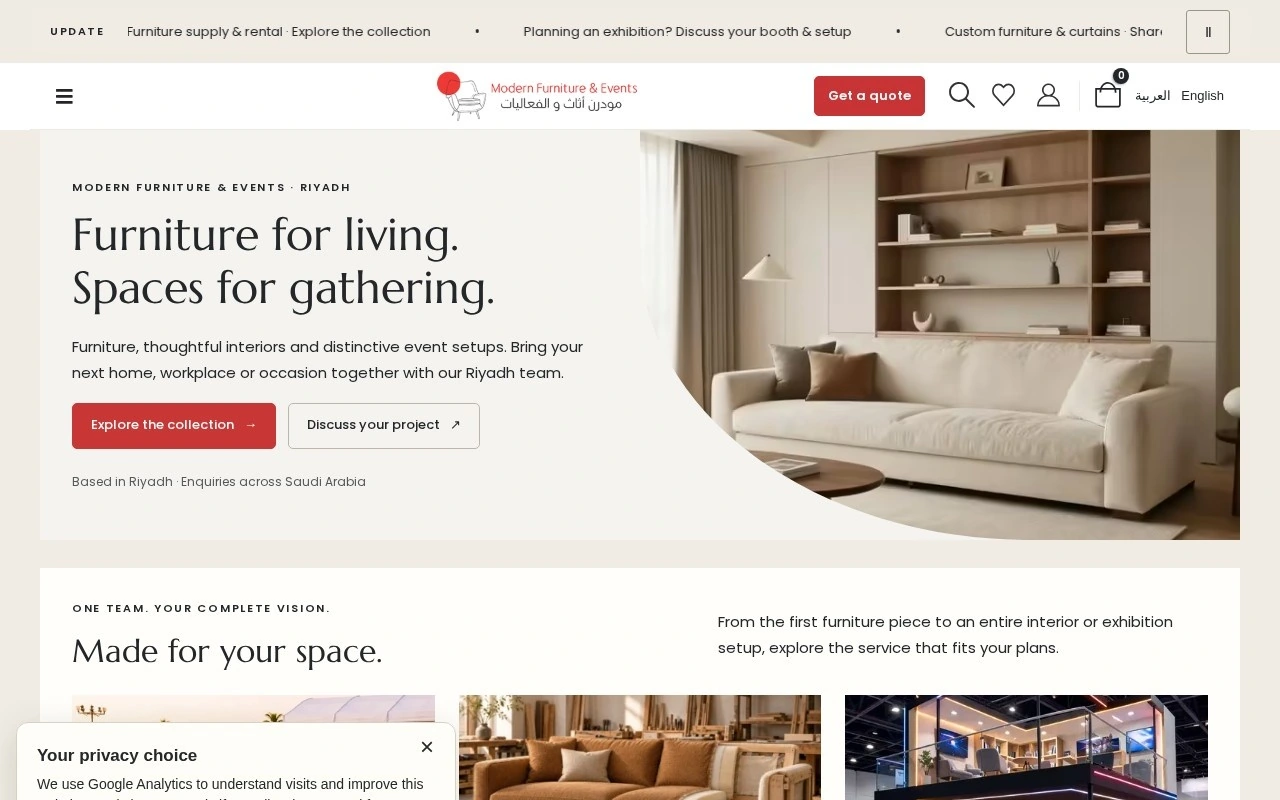
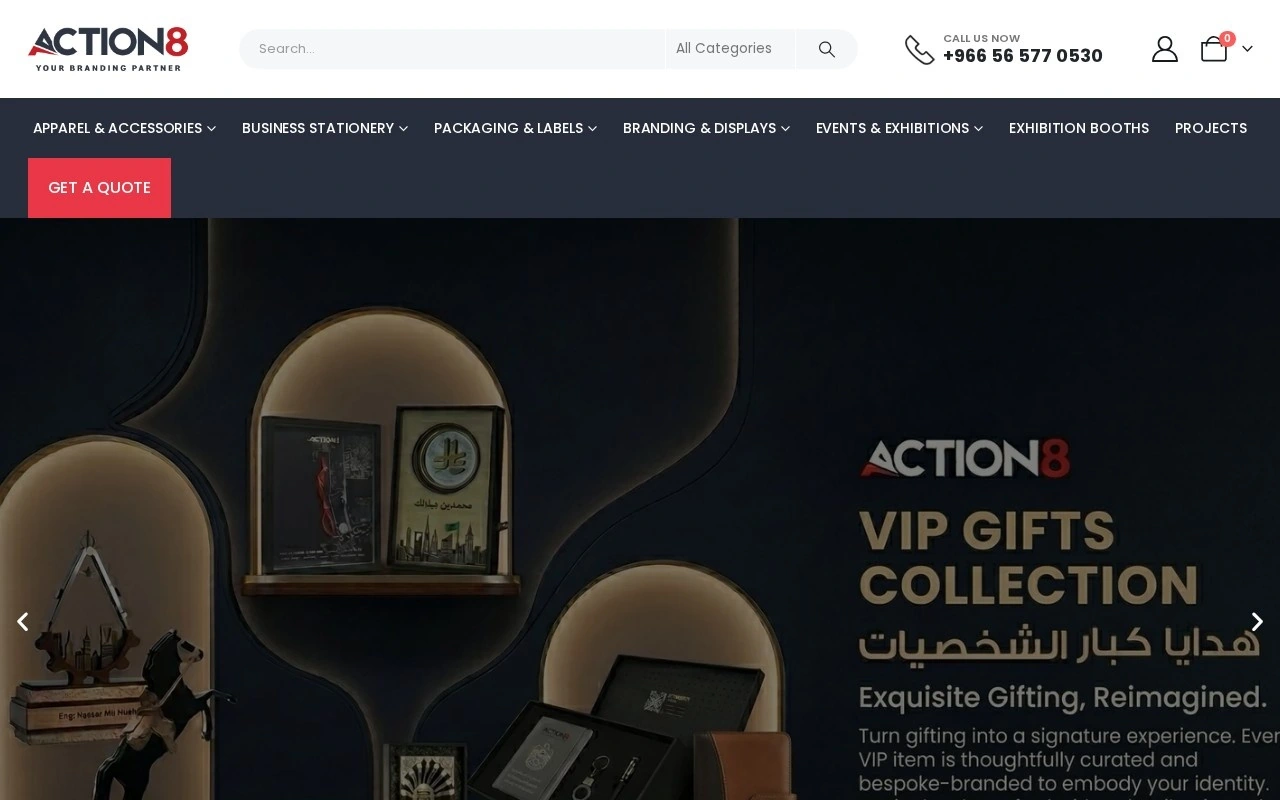
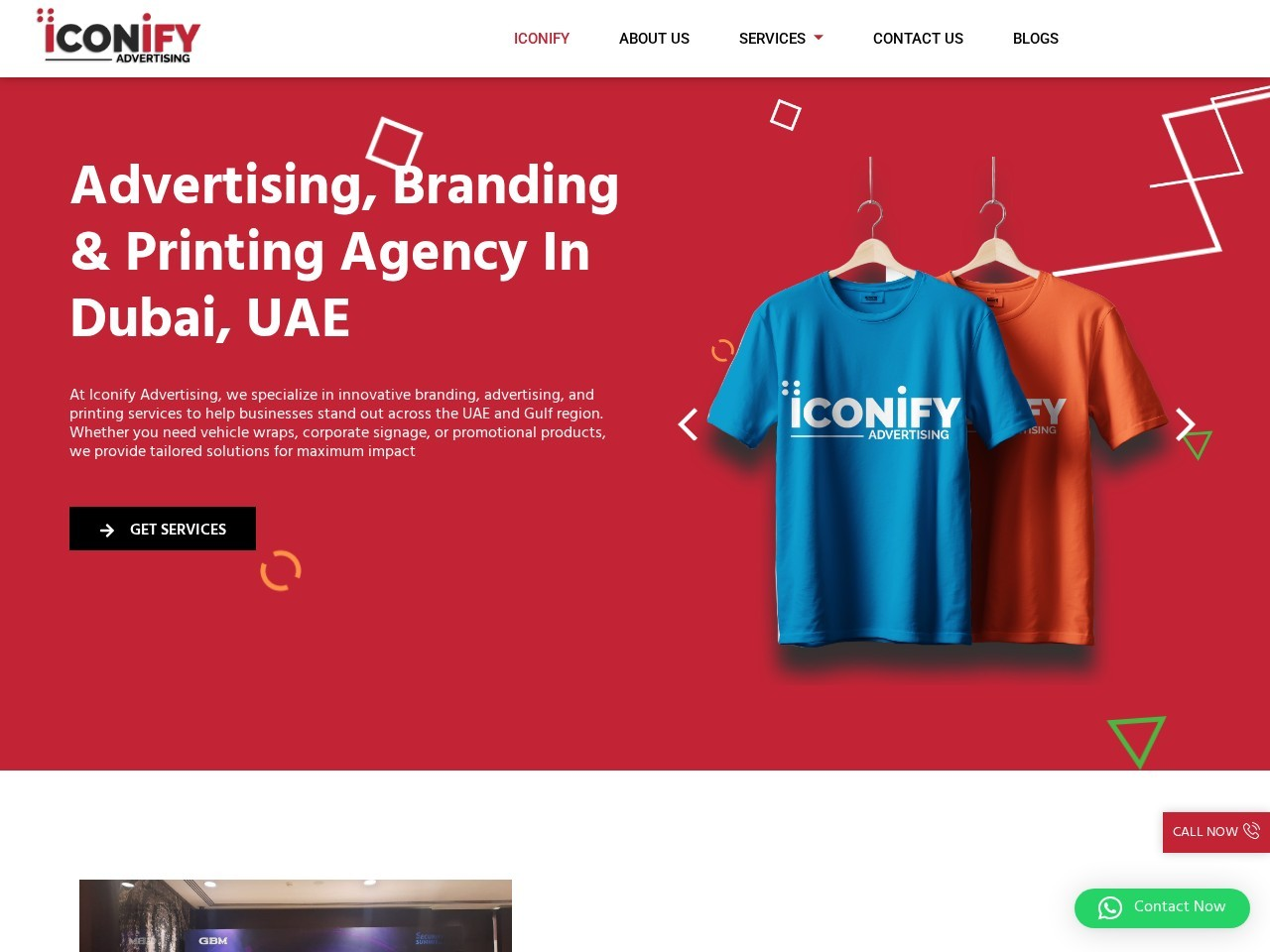
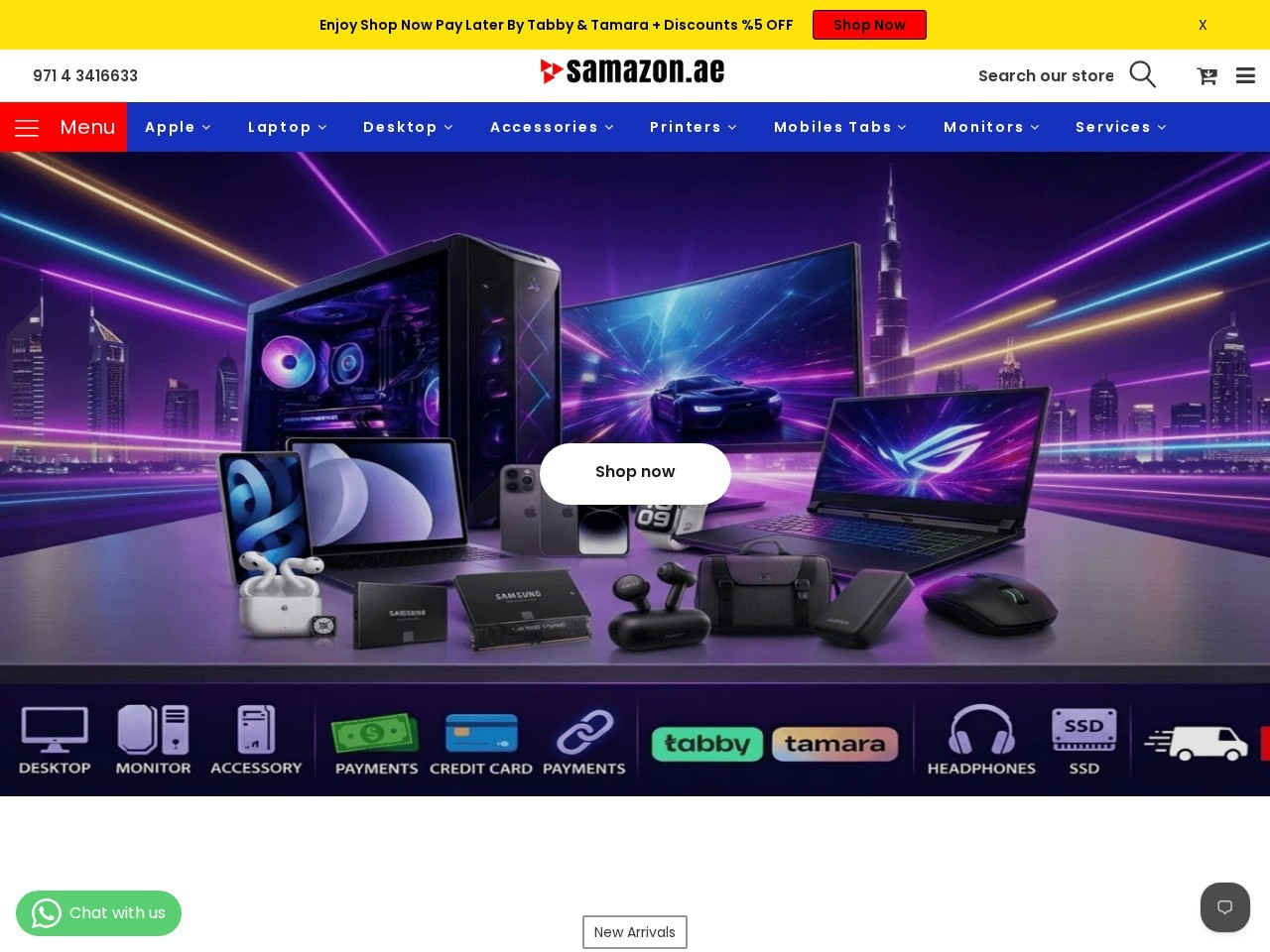
The Modern Furnitures desktop homepage design
The Modern Furnitures · Website project from the ExpertsITS portfolio.

03 / Website Design

Website Design

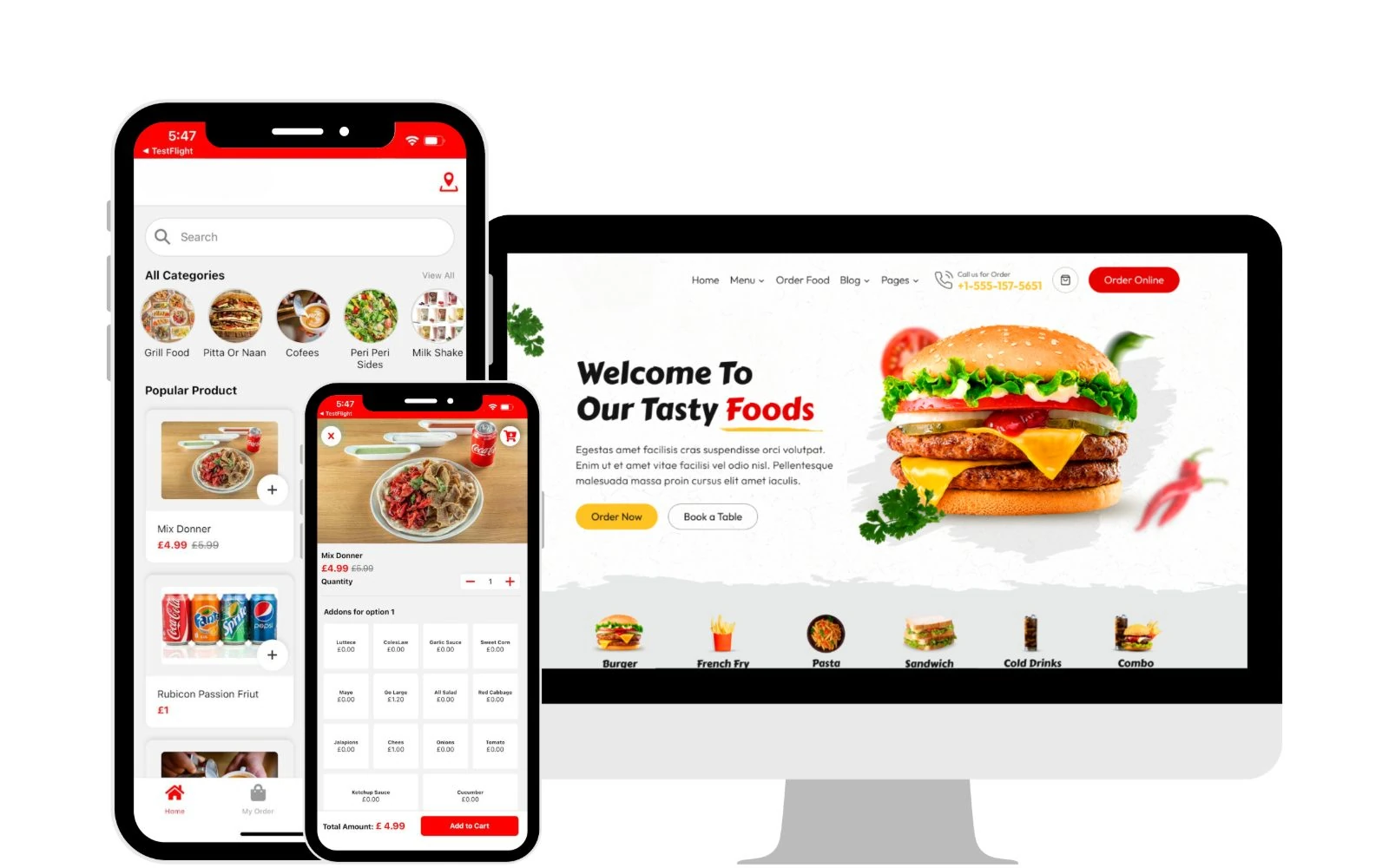
Website UI/UX design for corporate sites and ecommerce experiences. Help visitors understand the offer, compare relevant information and reach the right enquiry or shopping action. We consider content hierarchy, responsive behaviour and English/Arabic navigation together. For a store build, review our ecommerce development service alongside the design scope.
  • Landing Pages
  • E-commerce Design
  • Content-Heavy Sites
  • Marketing Pages
  • Responsive Layouts
One system. Consistent screens.

See how foundations become reusable interface components.

Aa أب
Typography · colour · spacing
A coherent experience
Your project✓
Continue →

Illustrative design system · example components

04 / Design Systems

Design Systems

A shared interface language for products with many screens or contributors. Define reusable components, typography, spacing and interaction states, then document how they work together. The agreed library helps designers and developers maintain consistency as the product grows. Brand identity guides the visual direction; usability and accessibility guide how the components behave.
  • Component Library
  • Style Guides
  • Design Tokens
  • Documentation
  • Figma/Sketch Files

Real Projects. Real Results

Explore interface design, web and mobile platforms, ecommerce experiences and brand identity work. Choose a project category, then explore the work in detail.

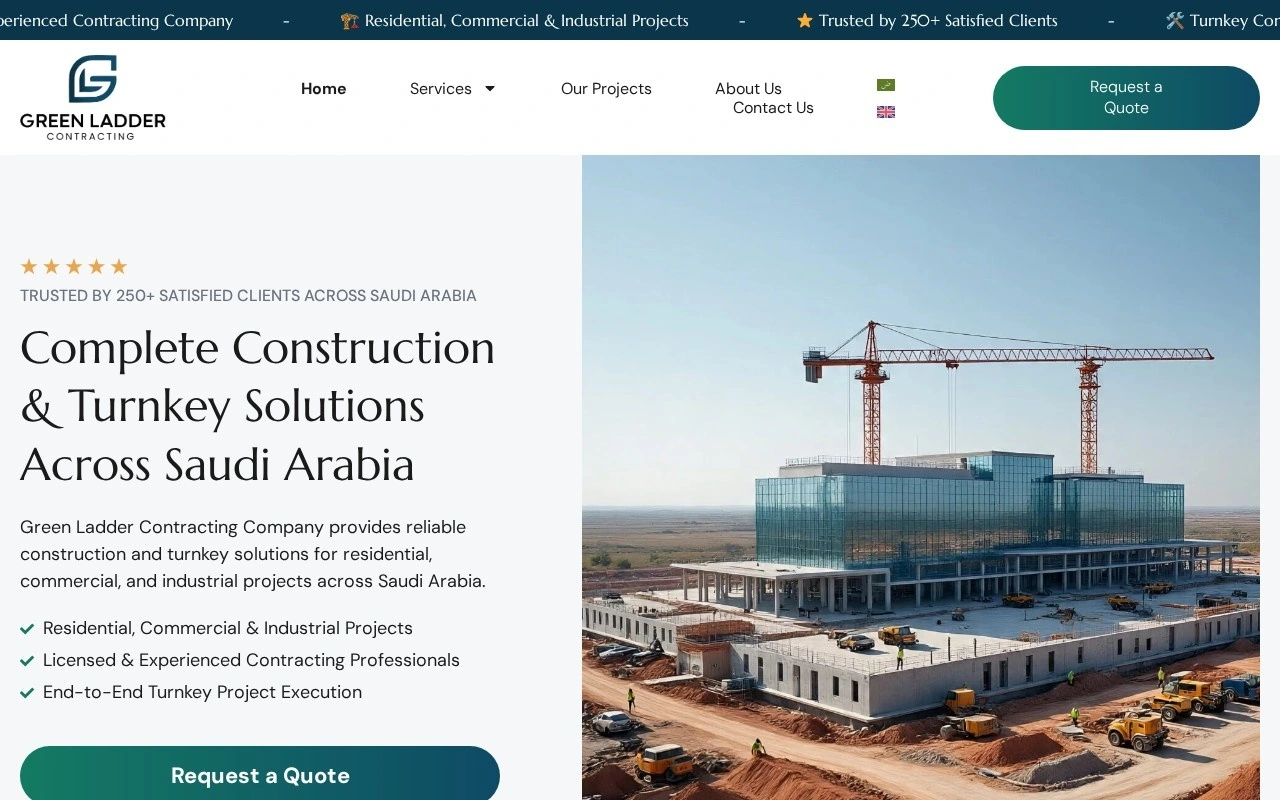
Green LadderBuilding a Digital First Impression

Construction Website Development & Branding

A Saudi construction-company project combining website development, English/Arabic service presentation, project imagery and coordinated corporate branding.

Services & technology details

Project services

  • Website Development
  • UI/UX Design
  • Logo & Brand Identity

Technology stack

  • WordPress
  • Elementor
  • WPML

Construction website development, bilingual UI/UX and corporate branding.

Green Ladder website homepage first-look screenshot

The expertise behind the screens

UI/UX Services

Our user experience design services connect research, structure and testing with user interface design. A new product may need the full sequence; an existing app may need a focused review of onboarding or a difficult task. We agree what needs evidence, what needs redesign and what developers need to build it. The work can support Saudi users and wider MENA audiences, including right-to-left layouts, local content and bilingual journeys.

Research into clear decisions

Listen to users, group the evidence and prioritise the task.

1User context
Find the right service
2Task observation
Unclear next action
3Review priority
Clarify the next step
RESEARCH SYNTHESIS

EvidenceDecision

Animated illustration · example, not measured client results

01User Research

Understand who uses the product, what they are trying to achieve and where the current journey breaks down. Depending on access and scope, research can include interviews, stakeholder workshops, task reviews and existing support feedback. Record assumptions separately from findings so design decisions have a clear basis.

02Information Architecture

Give content and functionality an understandable structure. Group related information, define navigation labels and map the routes between important tasks. For a bilingual product, review Arabic and English labels in context rather than assuming a translated menu will work equally well in both languages. For the words used across those journeys, explore our content writing services.

A journey with a clear next step

Explore how discovery, selection and action connect.

Discover
Browse
Service details
Select
Next step
Continue

Animated illustration · example, not measured client results

03Wireframing & Prototyping

Explore the journey before committing to detailed screens. Wireframes establish hierarchy and actions; interactive prototypes show how steps connect. Review these with stakeholders and, where included, representative users. This makes unanswered questions visible while changes are still easier to discuss.

04Interaction Design

Make actions and feedback understandable. Specify what happens when someone selects, submits, moves back or encounters a problem. Interaction design connects screen states with the user’s next step, including keyboard and focus behaviour where relevant. Motion should explain a change rather than distract from a task.

Try the flow before the build

Move from a wireframe to an interactive screen state.

Explore services
View details →
A clear next step ✓

Animated illustration · example, not measured client results

05Visual Design

User interface design services that turn an agreed structure into coherent screens. Define typography, colour, controls and visual hierarchy around the brand and the task. Include useful states such as loading, validation, success and errors, so the interface is more than a set of ideal-condition mockups.

06Responsive Design

Design how the experience adapts across mobile, tablet and desktop. Prioritise content, touch targets and navigation for smaller screens, then check how layouts expand. Responsive design also considers long Arabic labels and changing text lengths, reducing surprises when real content replaces placeholder copy.

Observe. Test. Improve.

Use observed behaviour to review the interface.

Task observation
Findability
Clarity
Task flow

Animated illustration · example, not measured client results

07Usability Testing

Evaluate whether people can complete agreed tasks with the proposed design. Usability testing can reveal confusing labels, missing information or unnecessary steps. We document observations and recommended changes; the participant group, test method and number of rounds are defined in the project scope.

08Conversion Optimization

Review the path to a meaningful action, such as an enquiry, registration or completed purchase. Identify friction in forms, content and calls to action. Use available analytics and qualitative feedback to set priorities. Any experiment or measured improvement requires a suitable baseline and an agreed measurement plan.

From decisions to deliverables

Design Process That Works

The UX app design process moves from understanding the task to validating a solution and preparing it for development. Agree the audience, languages, critical journeys and approval milestones first. Each stage produces something concrete to review; a focused redesign can use the stages it needs without repeating completed work.

STEP 01

Discovery & Research

Discuss business goals, user groups and constraints. Review the existing product and available evidence, then identify the questions research needs to answer.

DELIVERABLEan agreed brief and research scope.
STEP 02

Define & Strategy

Turn findings into priorities and success criteria. Identify the journeys to improve, the assumptions to test and the decisions that need owner approval.

DELIVERABLEa focused design direction.
STEP 03

Information Architecture

Organise screens, content and navigation around the main tasks. Check how roles and languages affect those routes.

DELIVERABLEa sitemap or screen map with key user flows.
STEP 04

Wireframing

Sketch the hierarchy and actions without letting visual polish hide structural issues. Compare alternative approaches to difficult steps.

DELIVERABLEreviewable wireframes for the agreed journeys.
STEP 05

Visual Design

Apply the brand through typography, colour, imagery and reusable components. Design relevant screen states as well as the main view.

DELIVERABLEapproved interface designs and component guidance.
STEP 06

Prototyping

Connect screens into an interactive journey for review. Show important transitions and explain any behaviour the prototype cannot simulate.

DELIVERABLEa prototype that supports specific review tasks.
STEP 07

Testing & Iteration

Test agreed tasks, record issues and prioritise revisions. Distinguish observed problems from preferences, and confirm remaining decisions.

DELIVERABLErevised designs with a record of the changes.
STEP 08

Design Handoff

Prepare the agreed design files, assets, components and behaviour notes. Discuss implementation questions with the development team.

DELIVERABLEan organised handoff; development itself is scoped separately when required.

Moving from an approved interface to a working product? Review custom web development for web applications, or cross-platform app development for a shared mobile build. Implementation is agreed separately from design.

What Guides Our Design

Good design balances user needs with business constraints. These principles guide the work, with the depth of research, testing and documentation agreed for each project.

User-Centered

Start with the tasks people need to complete. Use research and feedback where available, and clearly identify assumptions that still need validation.

Accessible

Plan readable content, clear focus and usable controls against agreed accessibility criteria; validate the implemented product as well as designs.

Data-Driven

Use available analytics, research and testing to inform priorities. Where a reliable baseline is missing, agree how to gather evidence before making performance claims.

Brand Aligned

Visual designs that strengthen brand identity and create memorable experiences.

Choose Your Design Package

Flexible pricing options for startups, growing businesses, and enterprises.

Starter

For MVPs and small projects.

Growth

Comprehensive design for growing products.

Most Popular

Enterprise

Complete design solution for enterprises.

Frequently Asked Questions

Practical answers about choosing UI/UX designers, planning the work and moving from an approved design into development.

UX design concerns the journey: what people need, how information is organised and whether a task makes sense. UI design concerns the screens and controls through which that journey happens. A useful product needs both. We connect user experience research, user flows and interface design within the agreed scope instead of treating visual polish as a substitute for solving usability problems.

When choosing UX design experts, ask to see relevant project work and understand the team’s role in it. Review how they approach research, complex workflows, Arabic/English journeys, testing and developer handoff. Ask what is included and how decisions are approved. ExpertsITS can scope these services for your product; the project brief should identify deliverables, review rounds and any specialist requirements before you commit.

The timeline depends on the number of journeys and screens, research access, language requirements and review rounds. A focused improvement to an existing flow differs from designing a complete platform. We review the brief before proposing milestones. Your team’s availability for feedback and access to content or users also affect the schedule; there is no single timeline that fits every product.

We first agree what needs to be learned: for example, whether new users understand onboarding or whether staff can complete a multi-step task. The scope may combine interviews, existing feedback, task analysis and prototype testing. Findings are recorded alongside recommended changes. Where participant access is limited, we distinguish an expert review from direct user research rather than presenting them as the same evidence.

Yes. We can review the current experience and prioritise the journeys that need attention. Share existing screens, user feedback and available analytics so the review starts with evidence. A redesign may focus on navigation, forms, onboarding or a wider interface system. We agree which parts to retain, what to change and how the approved designs will be handed over before expanding the work.

Deliverables depend on the agreed scope and can include research findings, user flows, information architecture, wireframes, interface designs, interactive prototypes, components and handoff notes. Confirm the required file formats, assets, screen states and documentation in the brief. The handoff should explain how the design is intended to work; a prototype is not a released application or a substitute for development and quality assurance.

We consider readable text, contrast, meaningful labels, focus order, keyboard access and clear feedback where relevant to the interface. Accessibility needs should be discussed early, including any required standard or specialist audit. Design review can identify issues, but implementation also matters. A complete compliance claim requires an appropriate assessment of the built product, not just a visual mockup.

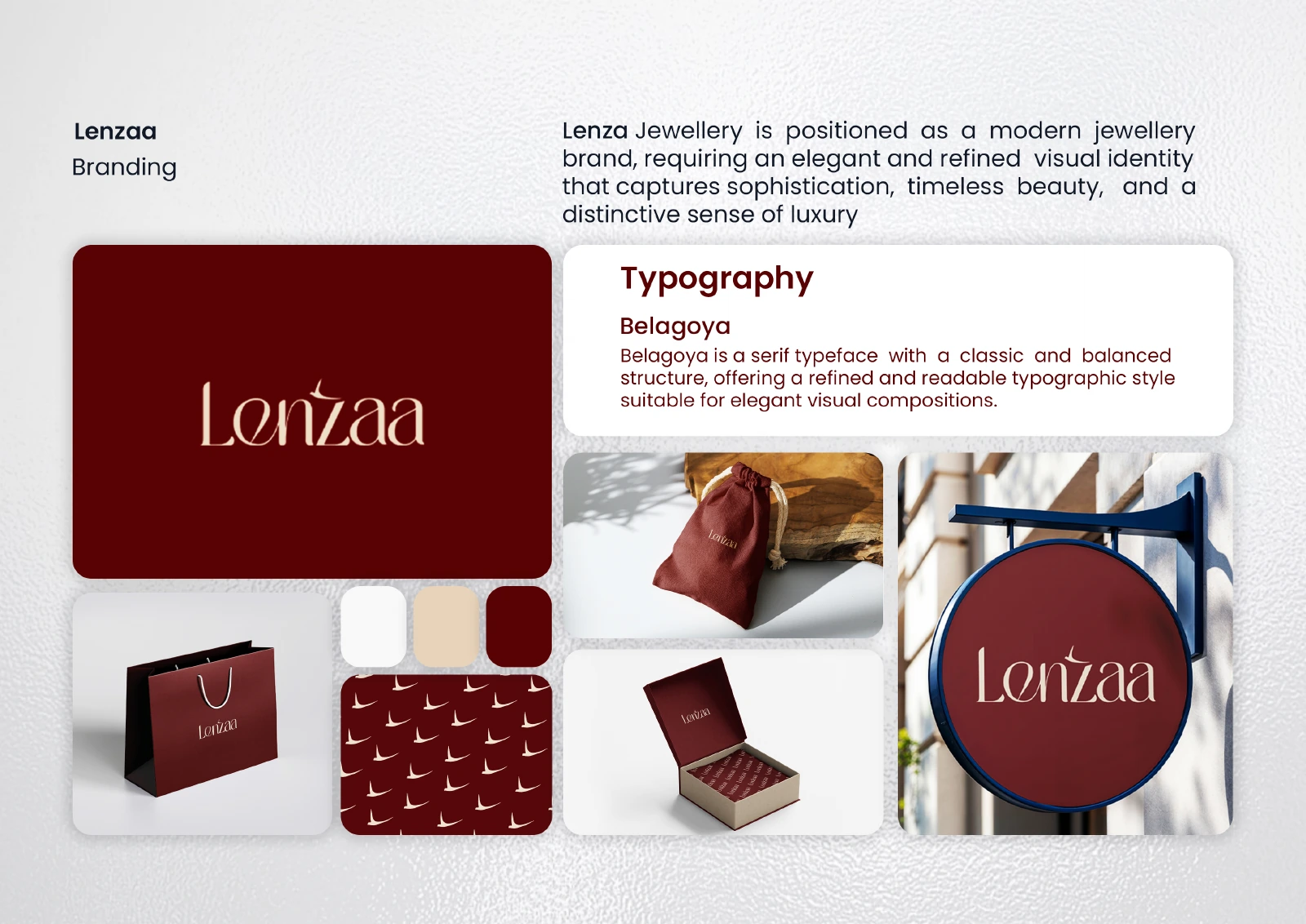
Yes. UI/UX branding design connects your logo, typography, colour and tone with the way the product works. Share existing brand guidelines and assets at the start. We translate those into interface components and screen layouts while checking usability. If the brand identity itself needs development, that is an additional scope to agree rather than something assumed to be included in every interface project.

They can be planned together, but the deliverables are different. Design defines the experience, screens and behaviour; development implements and tests them in working software. ExpertsITS can agree a combined scope or work with your existing developers. Review our mobile app development services when you need implementation as well as design. We confirm responsibilities, integrations and acceptance criteria separately.

Scope is the main starting point: research depth, journey complexity, screen states, languages, design-system needs and handoff requirements all matter. Review rounds and the way feedback is consolidated also affect effort. We agree those boundaries before starting. If new requirements appear during the work, we discuss their impact instead of implying unlimited revisions or quoting a price without reviewing the brief.

Yes. Arabic and English journeys can be planned together, including right-to-left layout, navigation direction, text expansion, forms and mixed-language content. We review labels and content in context instead of only mirroring an English screen. The brief should identify the audience and translation responsibilities, with checks across the agreed mobile and desktop layouts before handoff.

What Our Clients Say About Working With Us

Don’t just take our word for it. Here’s what business owners, CTOs, and decision-makers across Saudi Arabia say about working with Experts IT Solution.

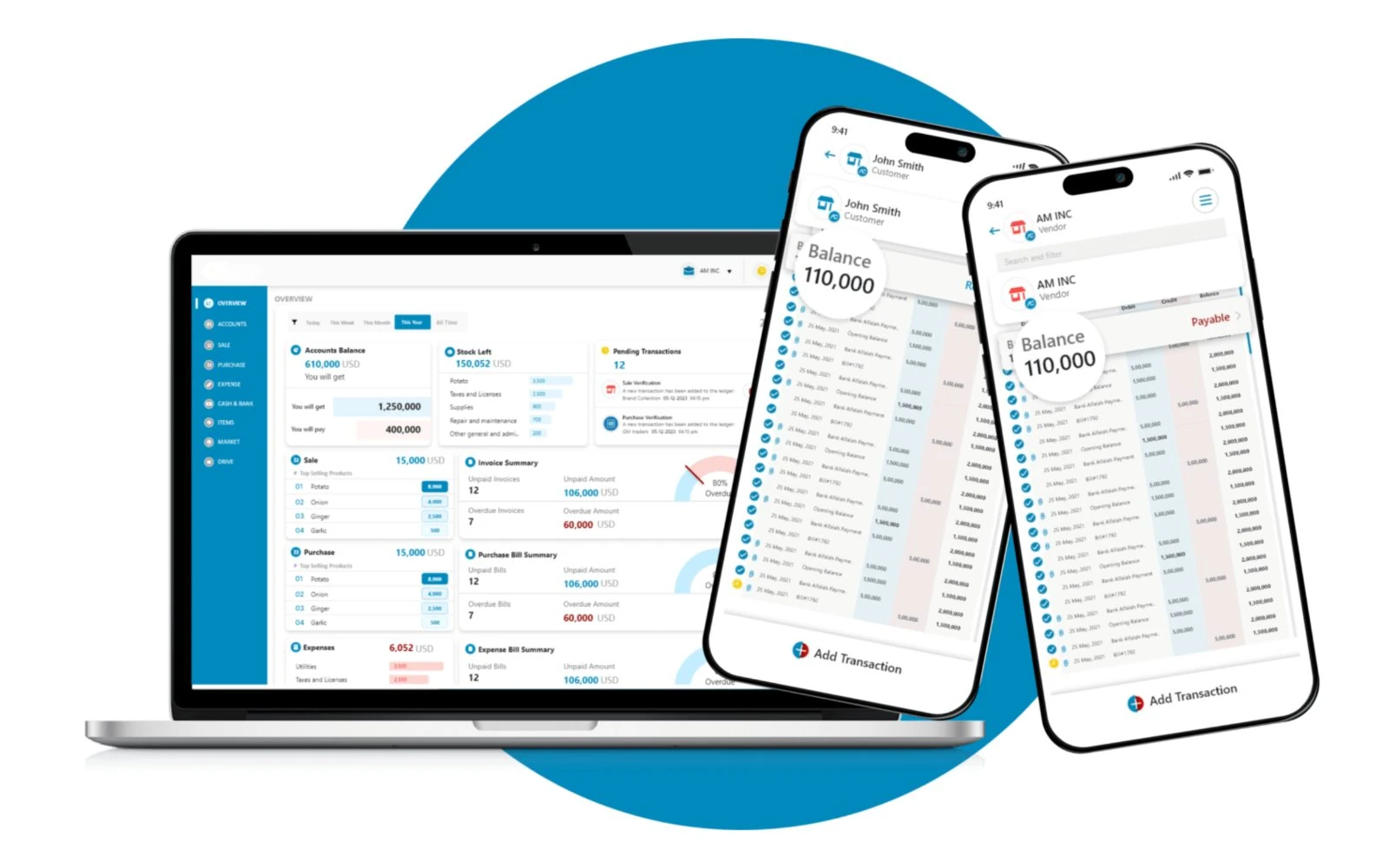
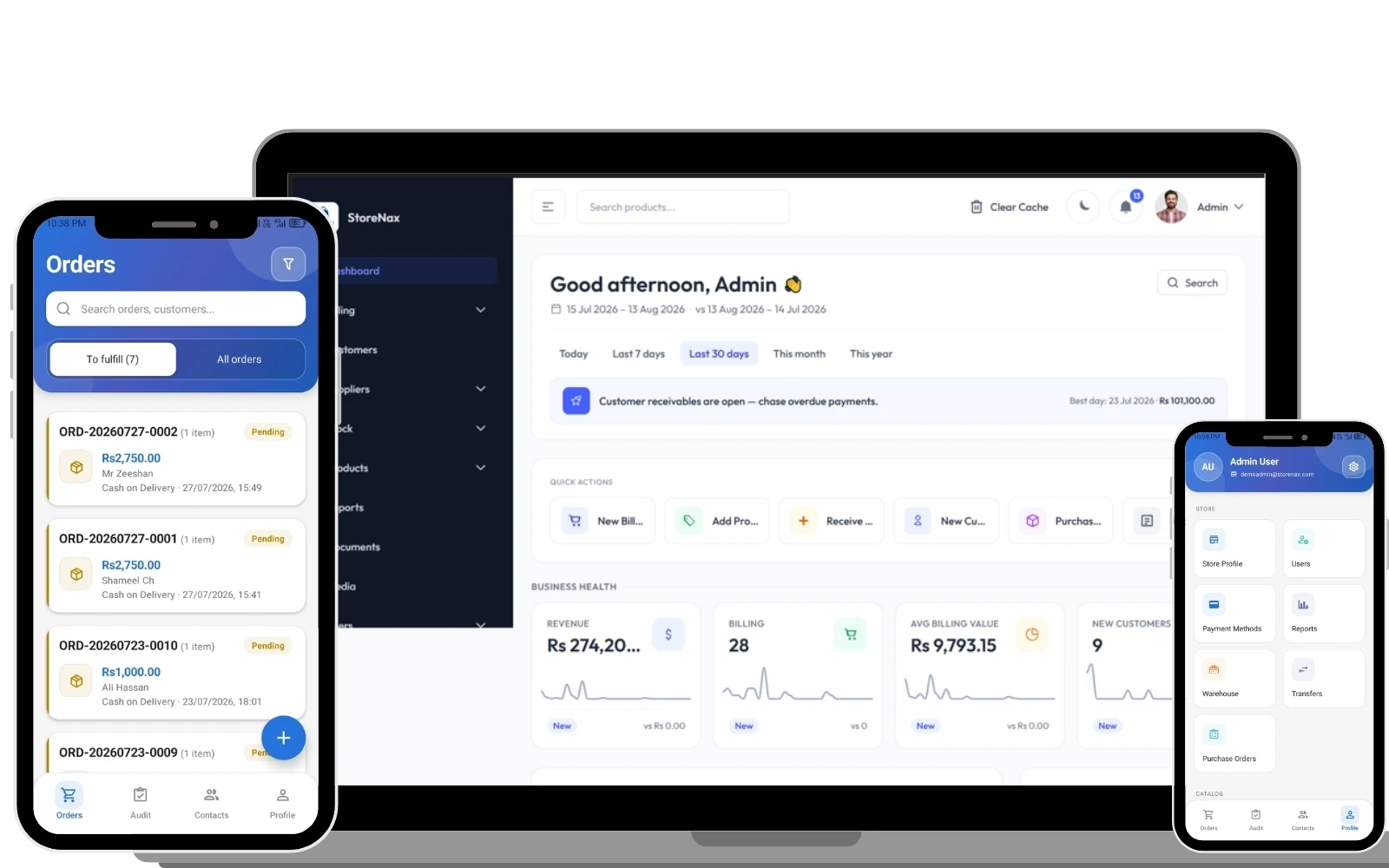
Read client perspectives on selected work. For a similar project, explore UI/UX design services and business software solutions.

“Experts IT Solution delivered beyond our expectations. Their cybersecurity implementation reduced our security incidents by 95% and their support team is exceptional.”

Ahmed Al-RashidCEO

“Their network solutions transformed our operations. We experienced a 60% improvement in system performance and zero downtime during the migration.”

IT DirectorIT Director

“Outstanding mobile app development. They delivered our fintech app ahead of schedule with innovative features that increased user engagement by 200%.”

Omar HassanCTO

“…understood our vision from the beginning and transformed it into a complete event ecosystem ticketing, RSVP management, and reservations in one platform. The result exceeded our expectations.”

SamarFounder, Outs

“Appointments, treatment plans, patient communication, and medicine orders are all connected now. The platform has become an important part of how we deliver care every day.”

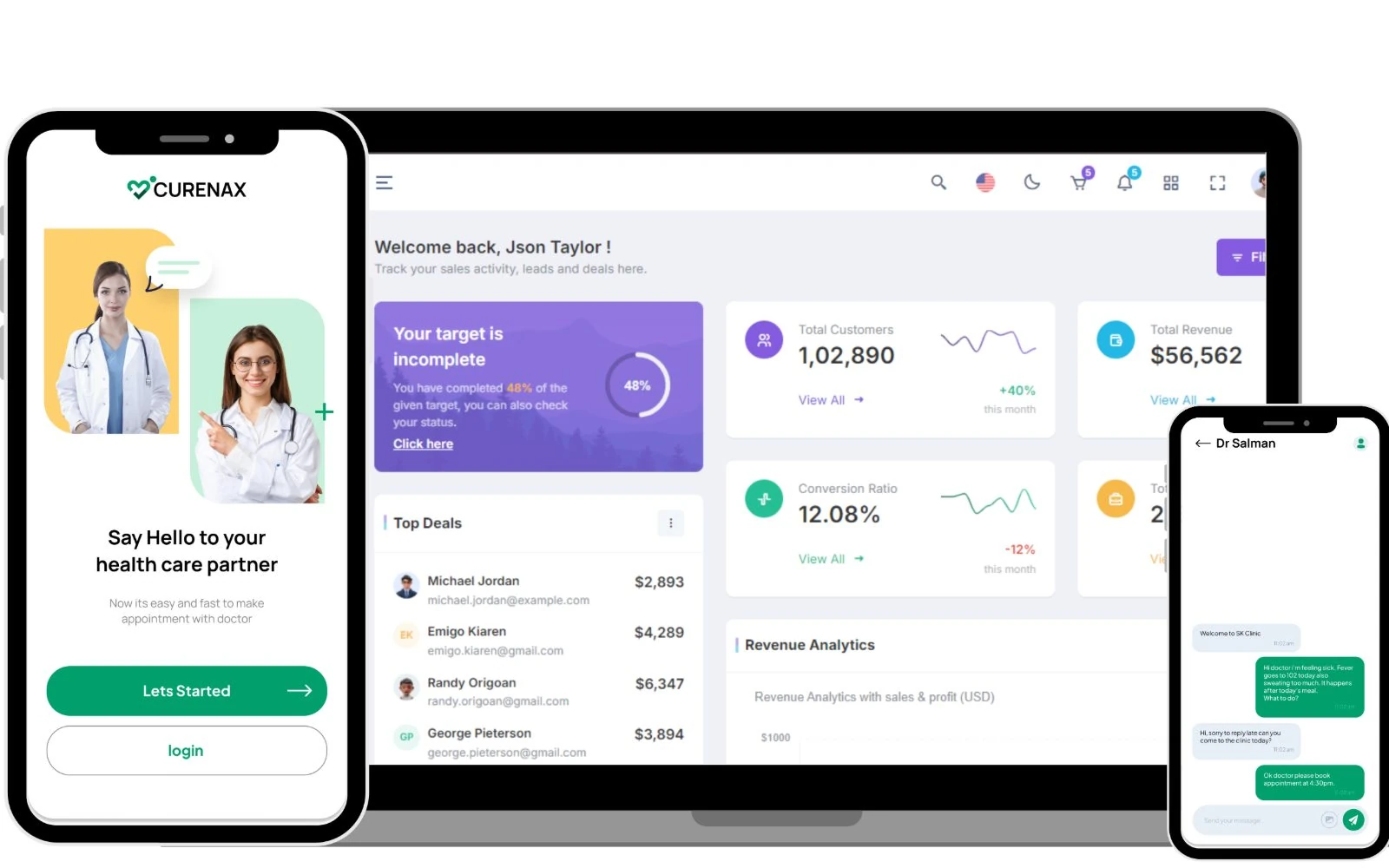
James CarterMedical Director, CureNax

“The team delivered an intuitive solution that is reliable and easy to scale. Every feature, from digital business cards to team management, was designed with business requirements in mind. We now have a solid foundation to build on.”

Wasi ShahFounder, Buzup

“Since launch we've expanded to 120+ countries, with educator registrations up 45% and student enrollments growing 160%”

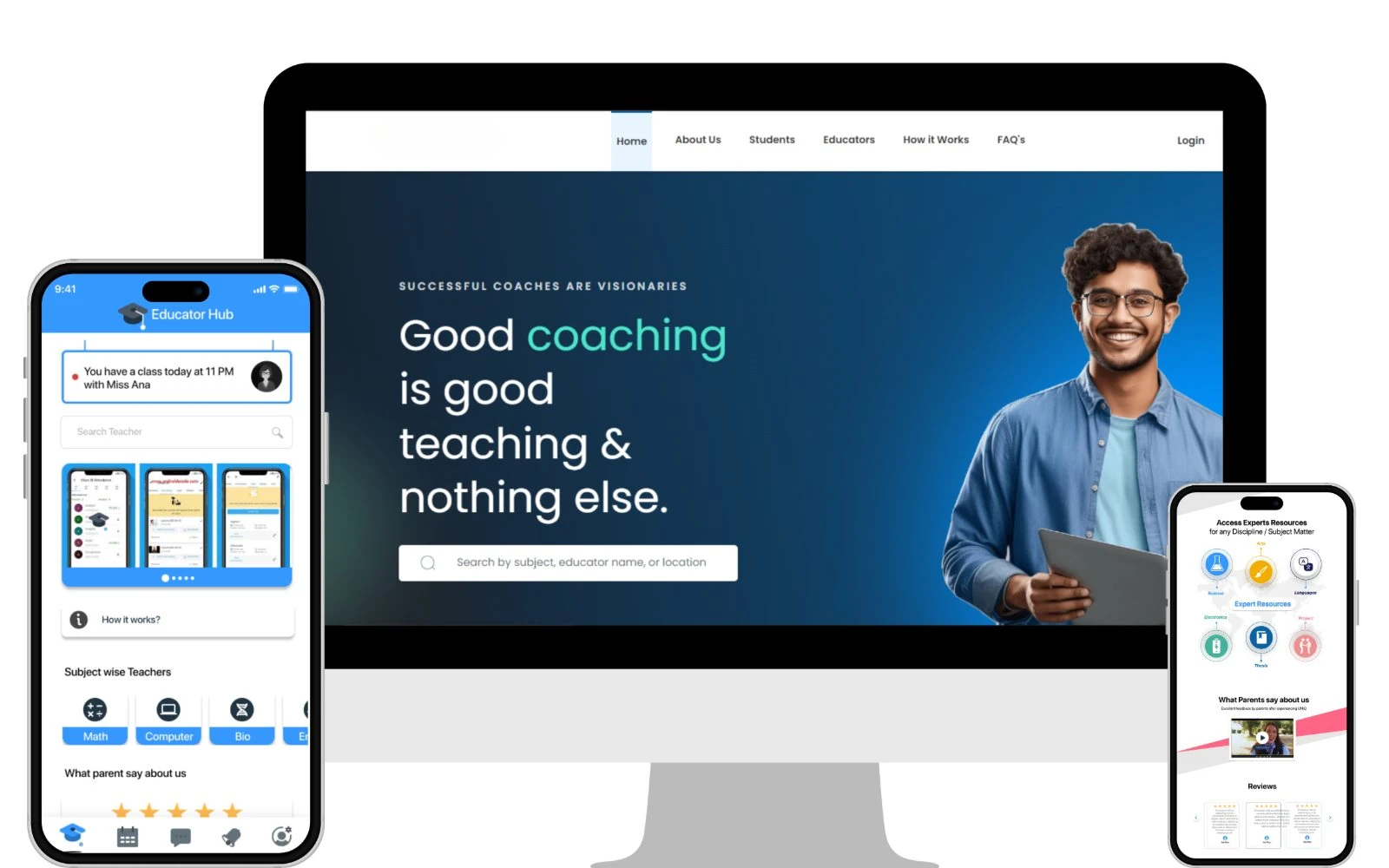
David OkaforCEO, Educator Hub

“Ciwac transformed the way we manage our business. Instead of juggling multiple systems and spreadsheets, our entire workflow is now connected. It has saved us countless hours every week and given us much better control over our business.”

Elena VasquezOperations Director, Ciwac

Client perspectives on software platforms, mobile apps and business technology projects.

Design a Clearer User Experience

Plan your project with ExpertsITS. Discuss your requirements for App UI/UX Design and share your business goals in Saudi Arabia or the wider MENA region so we can define the right scope and next step.